World Class Booking System
The intuitive WordPress plugin that transforms how you manage client appointments. Seamless scheduling, powerful features, complete control.
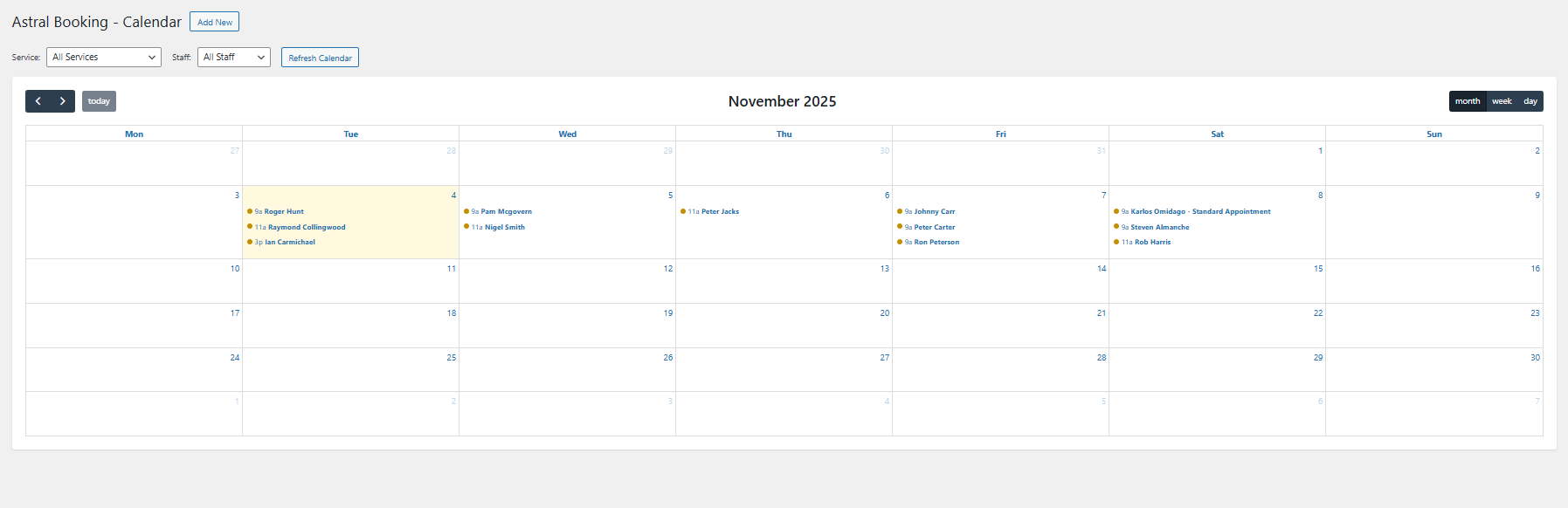
The intuitive WordPress plugin that transforms how you manage client appointments. Seamless scheduling, powerful features, complete control.
Allows multiple customers to book the same time slot. Perfect for group classes, events, or services that can accommodate multiple clients simultaneously.
Enable round-the-clock booking with our 24-hour appointment system. Perfect for businesses that operate outside standard hours or in different time zones.
Accept payments directly through your booking form. Supports PayPal, Stripe, and other popular payment gateways to streamline your business operations.
Reduce no-shows with automatic SMS reminders. Send confirmations and reminders directly to your clients' phones to ensure they never miss an appointment.
Seamlessly sync your appointments with Google Calendar. Keep all your schedules in one place and avoid double bookings between different systems.
Gain valuable insights with detailed analytics on bookings, revenue, customer behavior, and more. Make data-driven decisions to optimize your business.
Create beautiful, branded email templates for confirmations, reminders, and follow-ups. Enhanced email editor with drag-and-drop functionality and rich formatting options.
Keep track of your clients with built-in CRM features. Store customer details, view booking history, add notes, and manage relationships all in one place.
Request features and report errors directly from your dashboard. Get responses from our development team with estimated timelines for fixes and implementations.
| Feature | Free Version | Pro Version |
|---|---|---|
| Basic Calendar Function | ✓ | ✓ |
| Email Templates | ✓ | ✓ |
| Appointment Editing | ✓ | ✓ |
| Weekday/Weekend Rates | ✓ | ✓ |
| Multiple Currencies | ✓ | ✓ |
| Date & Time Restrictions | ✓ | ✓ |
| Admin Email Testing | ✓ | ✓ | Smart Calendar System | ✗ | ✓ |
| Multiple Staff | ✗ | ✓ |
| Multiple Services | ✗ | ✓ |
| Extended Time Slots | ✗ | ✓ |
| Multiple Bookings Per Slot | ✗ | ✓ |
| Automatic Group Booking (Customer-Facing) | ✗ | ✓ |
| Payment Processing | ✗ | ✓ |
| Advanced Analytics | ✗ | ✓ |
| Separate Saturday/Sunday Rates | ✗ | ✓ |
| Priority Support | ✗ | ✓ |
Perfect for getting started
Forever free
Most popular choice
per year, billed annually
For larger operations
Custom pricing available
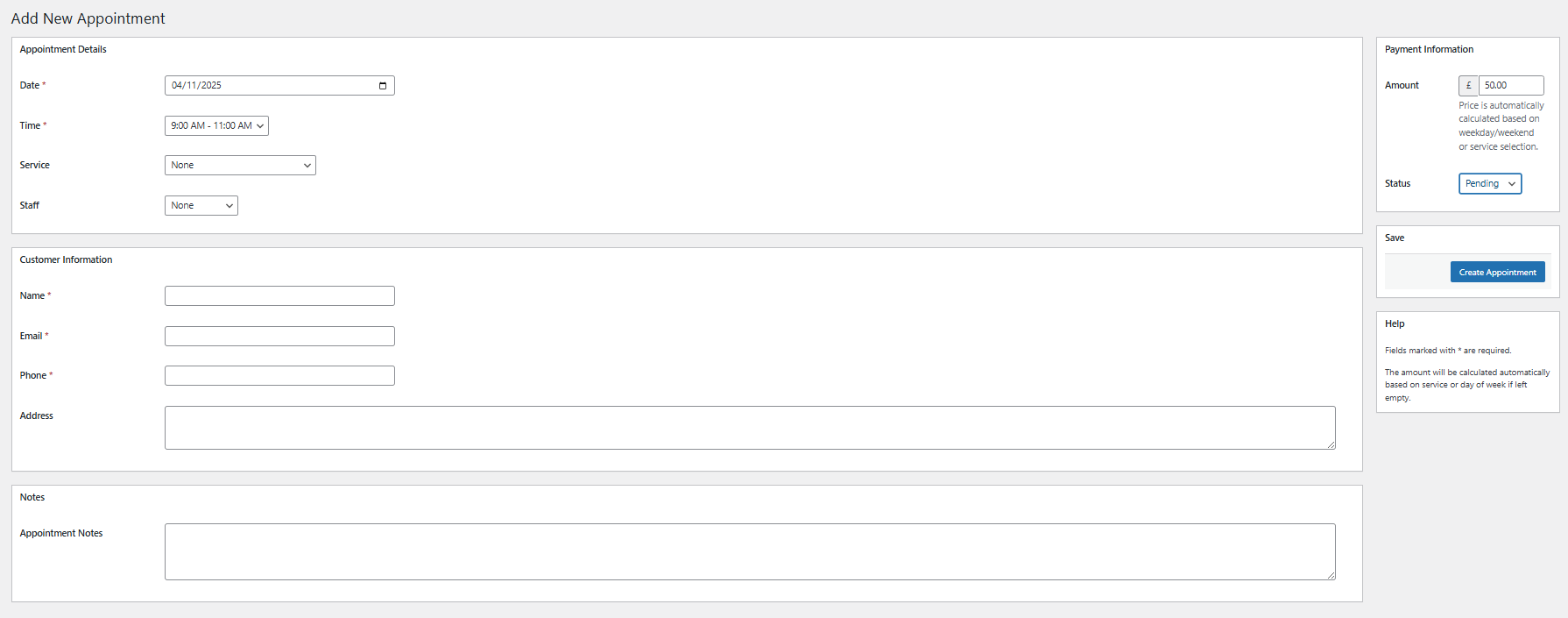
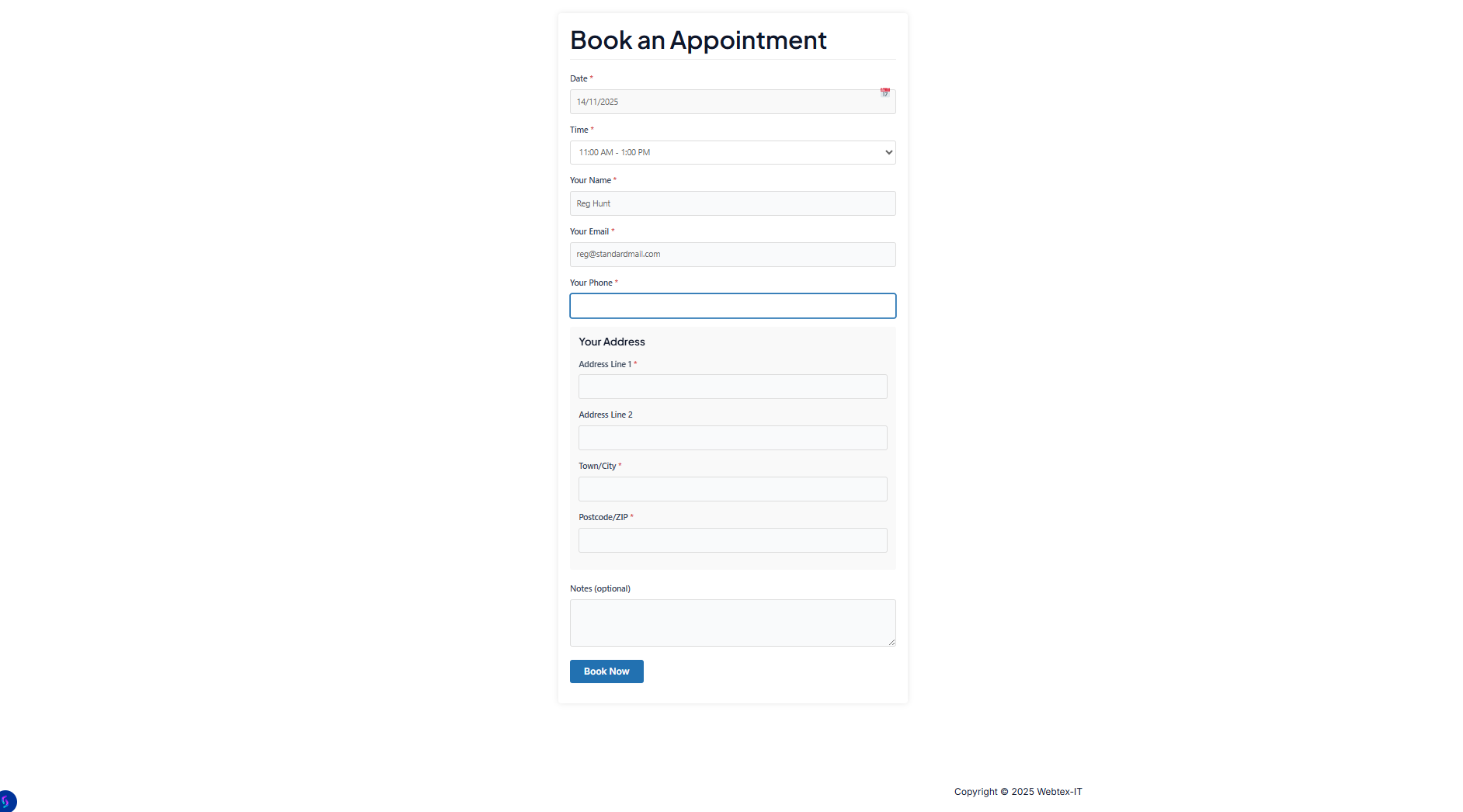
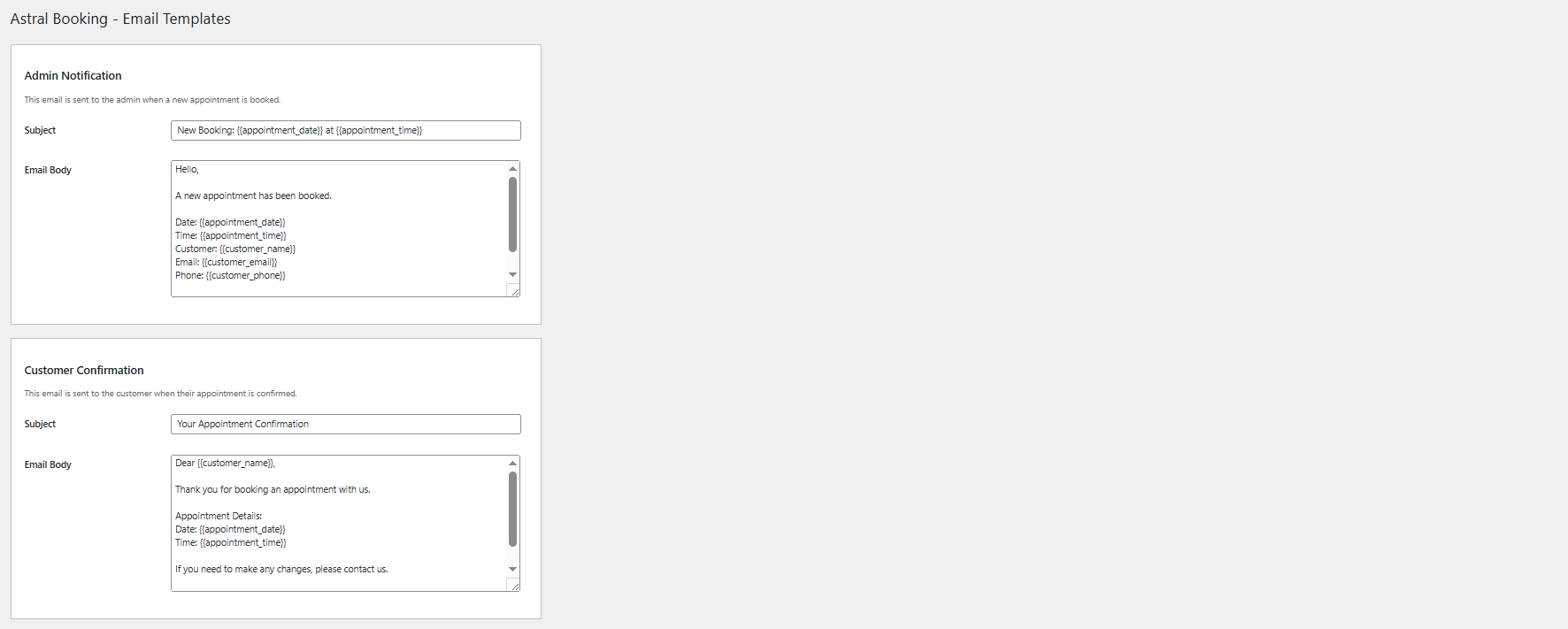
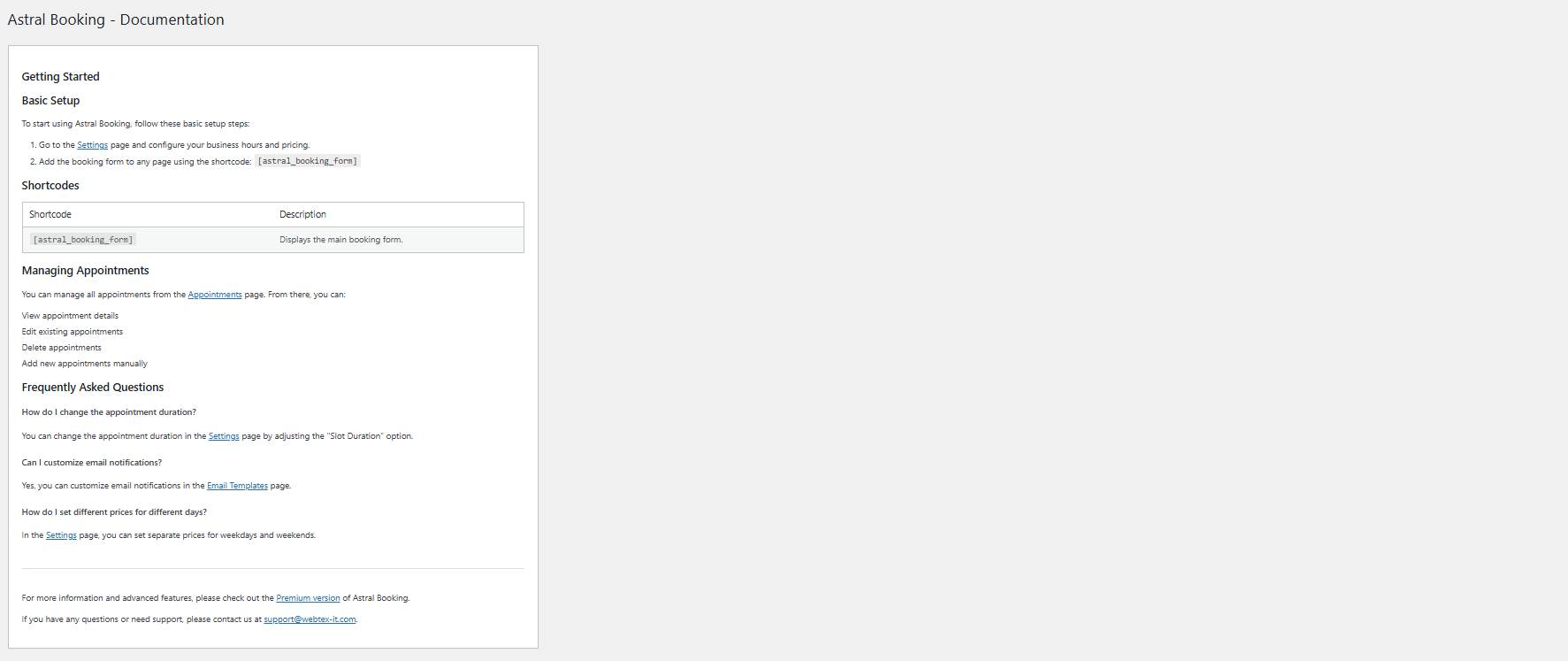
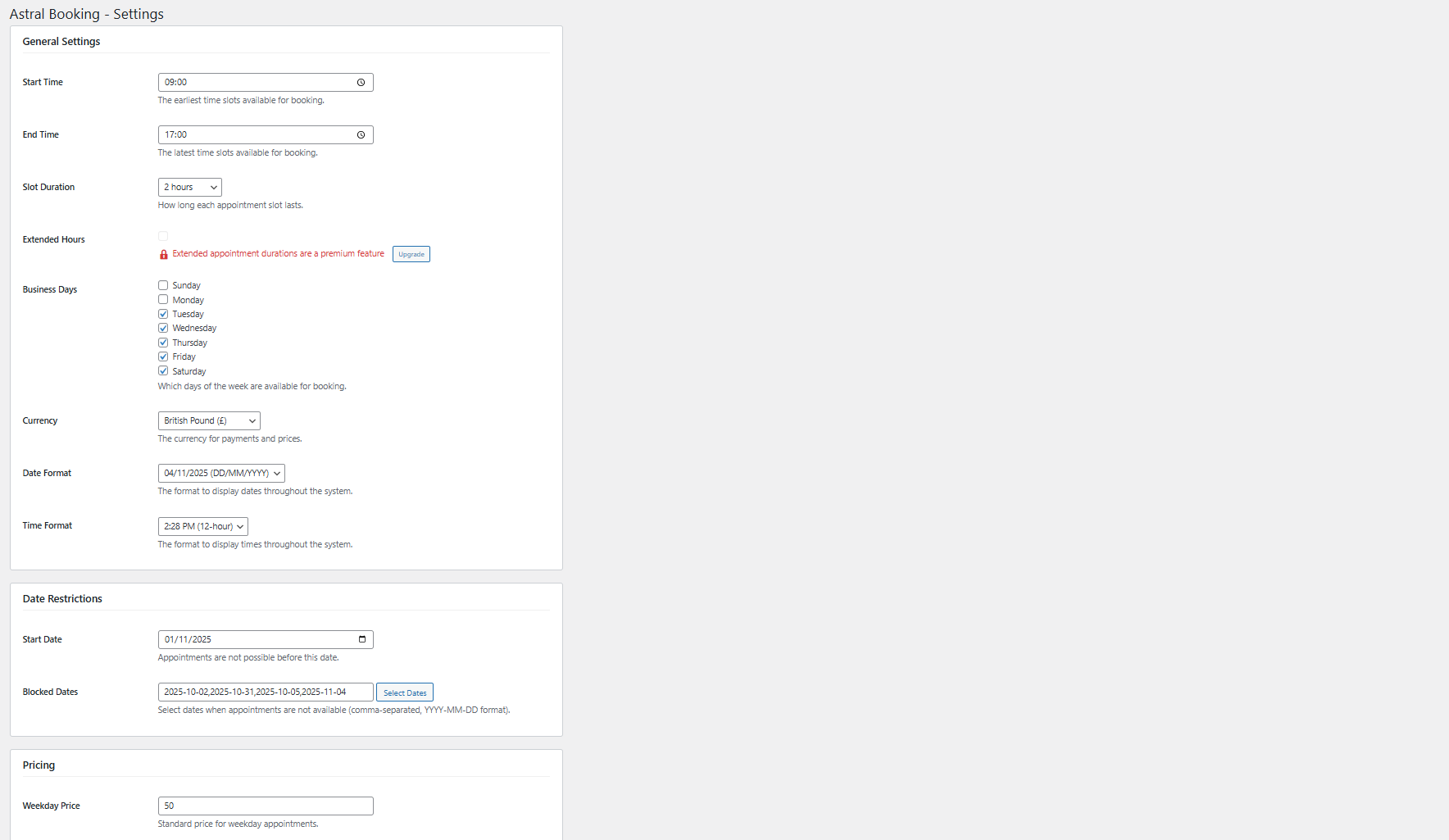
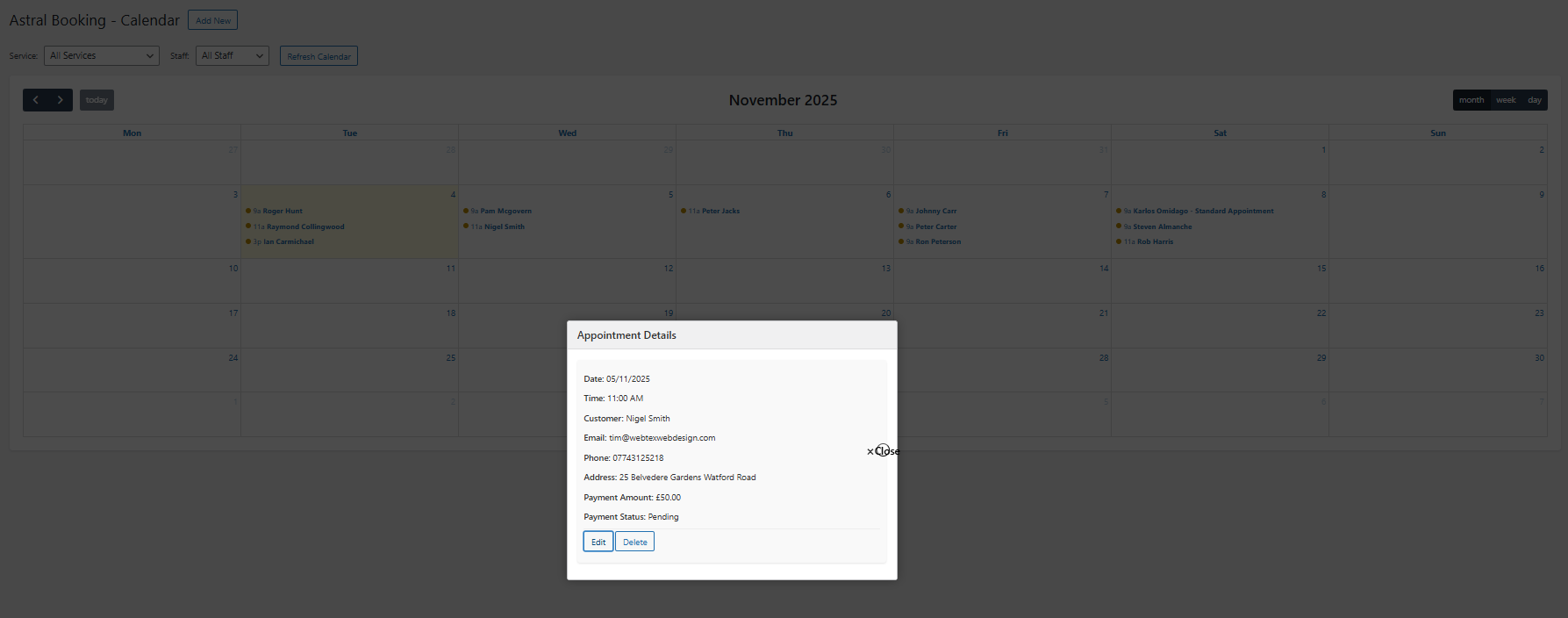
Explore AstralBooking's intuitive interface. Click through to discover how you can streamline your appointment scheduling and improve client satisfaction.
Join hundreds of businesses already using AstralBooking to manage their appointments efficiently and professionally.